For hosts
How to List a Room for Rent: A Host's Step-by-Step Guide
A good room listing is clear, honest and specific. Here is how to list a room for rent, from prepping the space to writing the description, and listing it free on CoRent.
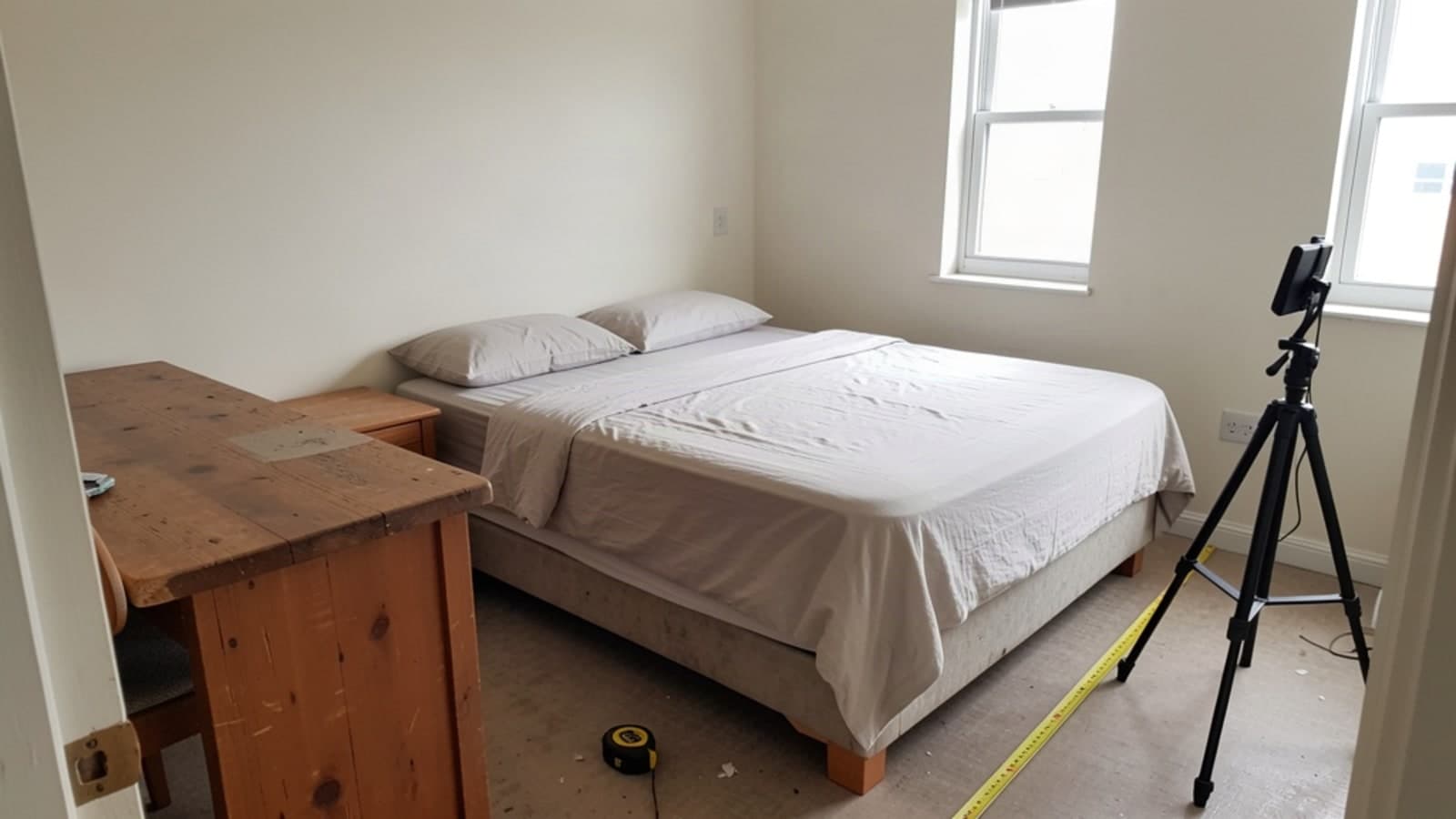
Here is how to list a room for rent: prepare the room first, take clear daytime photos, then write a plain description of what the room has, what is shared and what the rent covers. On CoRent, listing is free and you keep 95% of the rent you collect. The steps below take you from an empty bedroom to a live listing.
A strong listing does one job: it helps the right applicant say yes and helps everyone else move on quickly. That saves you time. It also keeps the house calmer, because people arrive knowing what to expect.
How to list a room for rent: get the room ready
Step 1: Prep the room
Photos and words cannot fix a room that is not ready. Walk in as if you were the applicant.
- Clean it fully: floors, window, closet, light fixtures and baseboards.
- Fix what is broken: a loose door handle, a sticky window, a bulb that does not work.
- Check the lock on the bedroom door and the locks on the house doors.
- Confirm smoke and carbon monoxide alarms are in place and working.
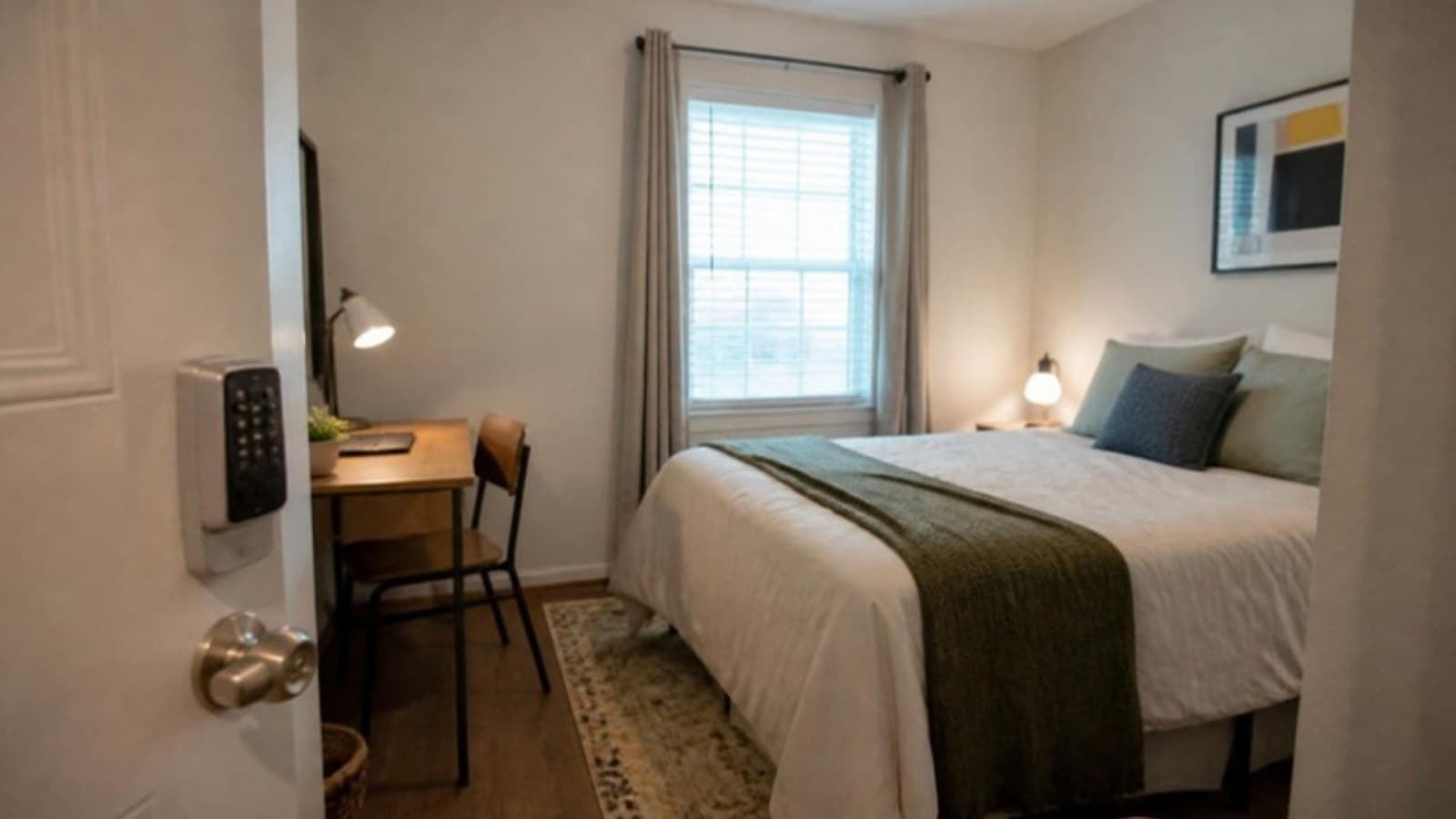
- Furnish it with durable basics: a bed, a place to sit and work, and storage.
CoRent rooms are rented furnished, so think about what a person needs on day one. Choose pieces that hold up to daily use. If you want to see how the full host process fits together, read how to rent rooms in my house on CoRent.
Step 2: Take photos that show the real room
Photos are the first thing an applicant sees. Keep them honest and simple.
- Shoot in daylight with the lights on and the blinds open.
- Take one wide shot from the doorway, one of the bed, one of the desk or work area, and one of the closet.
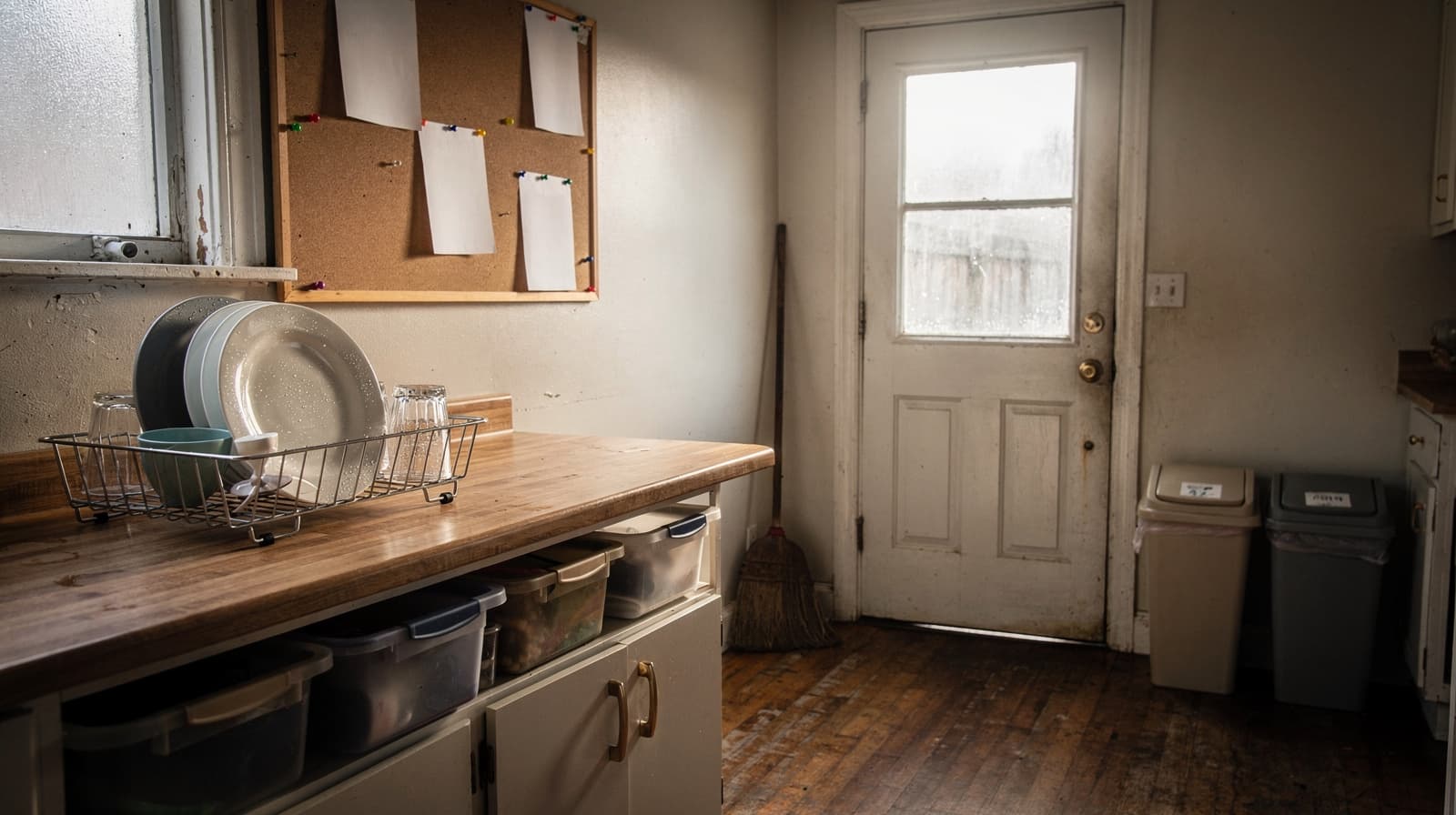
- Add the shared spaces: kitchen, bathroom and living area, since the renter shares them.
- Hold the phone level and keep your own belongings, mail and paperwork out of the frame.
Do not show a street number, a house number or anything with a name or address on it. CoRent listings show the area, meaning city and ZIP, and the street address is shared after a booking is confirmed. Your photos should respect that.
Write the listing
Step 3: Write the description in plain words
Start with the most important facts in the first two lines: the room, the area and the rent. Then add detail in short lines. Cover these points.
- The room: size in plain terms, furniture included, window and closet.
- The house: how many people live there, which spaces are shared and which bathroom the renter uses.
- Money: the monthly or weekly rent, and whether utilities are included or shared.
- Rules in one or two lines: quiet hours, guests, smoking, pets, kitchen use.
- What happens next: how to apply and when you respond.
Keep sentences short and skip hype. "Bright furnished room, shared kitchen and bath" tells people more than "amazing opportunity." If you have written house rules, you can summarize them in the listing. Our guide to house rules for renters shows how to write them so they are fair and specific.
Step 4: Describe the room, not the person
Fair housing law applies to a room in a shared home. The federal Fair Housing Act bars discrimination in housing, and HUD explains it on its page, Housing Discrimination Under the Fair Housing Act. Your listing should describe the room and the house. It should never describe the kind of person you want.
In practice that means you list features, such as the bed, the desk, the rent and the house rules. You leave out words that name or hint at who may apply. If you are unsure about a phrase, leave it out or ask a housing attorney. This is general information, not legal advice.
Price, publish and respond
Step 5: Set the rent and create your free listing
Decide your rent before you publish. Look at what is listed in your area on the rooms for rent page to see how other rooms are described. Then decide whether you want weekly rent, monthly rent or both. CoRent lets renters pay weekly or monthly, by card or bank account.
When you are ready, create your free host account and add the room. Listing is free. The platform fee is 5% of rent collected, with no booking fee and no management fee. As a simple example, if a room rents for $500 a month, the 5% fee is $25 and you keep $475. That is an example only, not a promise of what any room will earn. You can see the full picture on the fees page and in how the 5% platform fee works.
Step 6: Respond and confirm
Applicants on CoRent verify their ID once, with a government ID and a selfie match, and you never see the ID or the selfie. When someone applies, reply promptly, answer questions honestly and confirm the booking when you are ready. After a booking is confirmed, the street address is shared.
Frequently asked questions
Does it cost anything to list a room for rent on CoRent?
No. Listing is free. The platform fee is 5% of rent collected, so you keep 95%. There is no booking fee and no management fee.
Do I need a lot of photos?
You need enough to show the real room and the shared spaces. A handful of clear, bright photos works better than many dark ones. Leave out anything that shows your address.
Can I list more than one room in the same house?
Yes. Each room can be listed on its own. You decide the details and rent for each room.
Prep the room, take bright photos, write plainly and describe the room rather than the person. Then put it online. Create your free host account.
Ready for the next step?
Create your free host accountMore on CoRent
Sources
List your rooms and keep 95% of the rent
CoRent charges one flat 5% platform fee on rent collected. No booking fee.