For hosts
Rental Listing Privacy: Keep Your Address Safe
Rental listing privacy means keeping your street address out of public view until a booking is confirmed. Here is what to leave out and how CoRent handles it.
Rental listing privacy means keeping your street address out of public view until a renter has actually booked. On CoRent, listings show the area (city and ZIP) only, and the street address is shared after a booking is confirmed. That one rule protects you, your tenants and your house.
This guide explains why it matters, what to leave out of your photos and description, and how to protect the house after you share the address.
Why rental listing privacy matters
A public listing is seen by everyone: serious renters, curious neighbors and people with bad intentions. If your exact address is on it, anyone can show up, look at the house or watch who comes and goes.
Tenants already live there. Your listing should not hand strangers their front door.
Privacy also protects you from fake listings. The Federal Trade Commission lists a warning sign of rental scams: the same address appearing in other ads under a different owner or company name. Keeping your address out of public ads makes it harder for someone to copy your house into a fake ad. You can read the FTC's advice in Rental Listing Scams.
How CoRent handles the address
On CoRent, listings show the city and ZIP only. The street address is shared after a booking is confirmed. That means renters see what they need to decide, such as the room, the area and the price, without getting the exact location.
Renters also verify their ID once, with a government ID and a selfie match. A host never sees that ID or selfie. So you get ID-verified applicants without handling their documents.
You can see how the whole process works in how to rent rooms in your house on CoRent.
What to leave out of your listing
The address is only the start. Check your listing for anything that gives it away.
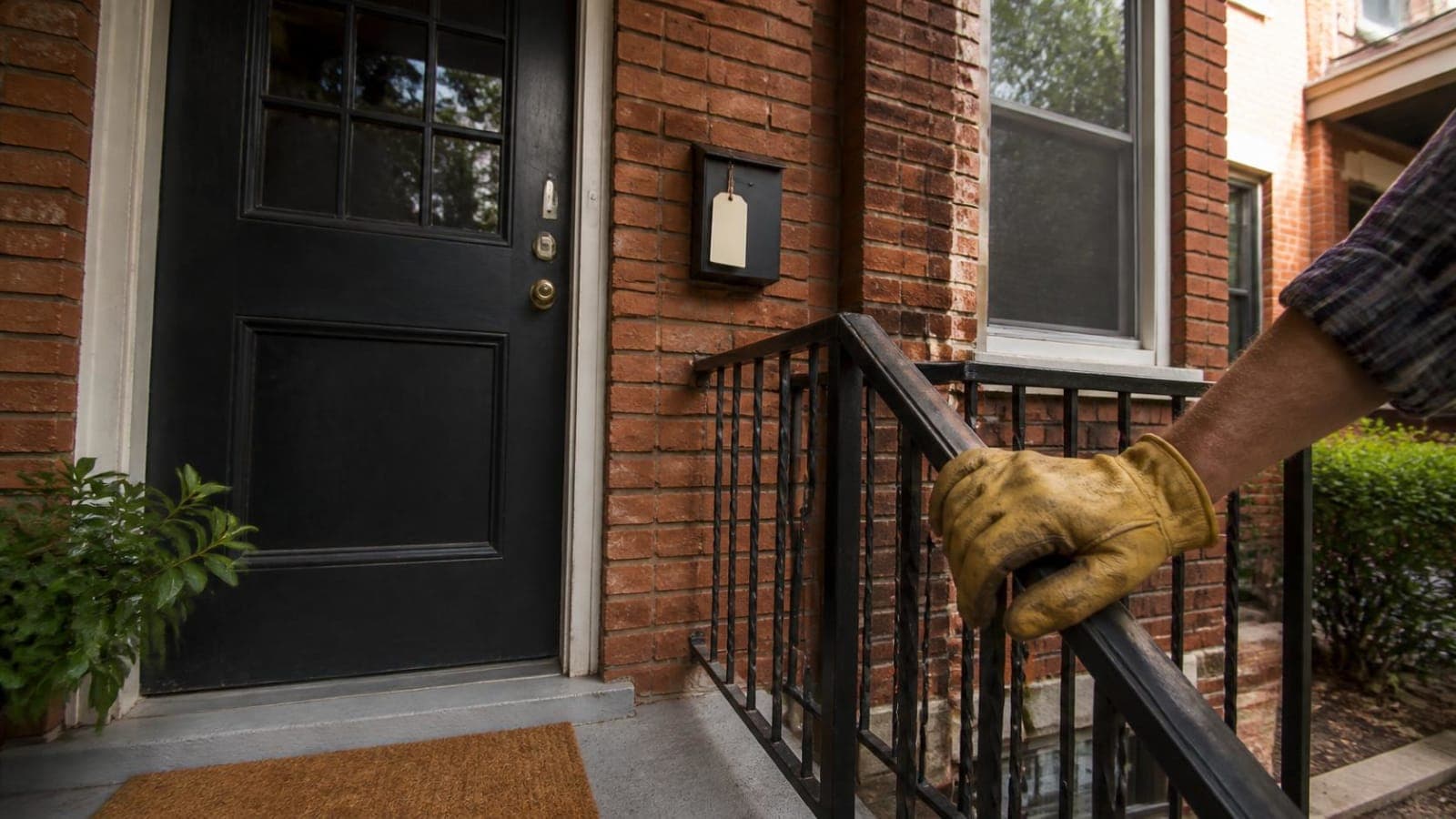
- Photos that show the house number, a mailbox or a street sign
- Photos through a window showing a landmark or unique street view
- A description that names the street or a nearby cross street
- Screenshots of a map pin
- Tenant names, faces or personal items in photos
- Documents or packages with a name or address on them
Before you upload photos, look at every frame. Zoom in. If you can read a number, a plate or a label, retake the shot or crop it.
Our guide on how to rent a room in Richmond, VA shows what renters see on a listing, so you can check yours from their side.
Describe the area, not the address
You can still tell renters what they want to know without giving the location away.
- Name the city and the general area.
- Describe the house: bedrooms, bathrooms, shared spaces and parking in general terms.
- Say what the room includes. See what is included in a furnished room for rent for what renters ask.
- State rent, how shared utilities work if they apply, and any house rules.
A clear listing attracts serious applicants. You do not need the address to do that.
After a booking is confirmed
Once a booking is confirmed, the address is shared with that renter. From there, keep a few habits.
- Share the address only through the app or your normal tenant communication
- Do not post the address in public groups or comments
- Remind tenants not to share the address or post it online
- Do not give the address to people who have not booked
If you give the address to someone who asks for a tour, treat it the same way you would at any house you own. Meet them, do not leave the house unattended and let a tenant or another person know.
Treat every applicant the same
Privacy rules are not an excuse to treat people differently. Apply the same listing practices and the same steps to everyone. Fair housing law covers how you advertise and who you accept. The HUD fair housing page explains the basics.
Hosts list free on CoRent and keep 95% of rent after a 5% platform fee on rent collected. See CoRent fees. When you are ready, create a free host account and list your first room.
Handle tour requests carefully
Some renters ask to see a house before they book. Decide ahead of time how you will handle that, and use the same rule every time. You might answer questions by message, share more photos of the room and the common areas, and explain how the booking works.
If you do meet someone at the house, tell a tenant or another person where you will be, meet at a set time and do not leave a stranger alone inside. Keep the rule simple so you never have to improvise.
Review your listing once a month
Open your own listing as a stranger would. Read the description and look at every photo again. Tenants change the room, move furniture and leave mail on tables, so a photo that was safe last month may show something new today. A quick monthly check keeps small slips from becoming a problem.
Frequently asked questions
Can renters see my exact address before booking?
No. Listings on CoRent show the city and ZIP only. The street address is shared after a booking is confirmed.
Do I see a renter's ID?
No. Renters verify their ID once with a government ID and a selfie match, and a host never sees the ID or selfie.
What if a renter asks for the address before booking?
Tell them the address is shared after the booking is confirmed. A real renter will understand.
Ready for the next step?
Create your free host accountMore on CoRent
Sources
List your rooms and keep 95% of the rent
CoRent charges one flat 5% platform fee on rent collected. No booking fee.